

YouTube is one of the most popular platforms for discovering music, watching tutorials, and enjoying entertainment. However, sometimes users want to access videos or audio when they are offline. This is where free YouTube download tools become useful. Options like Yt1s, desktop applications, and open-source software offer different ways to handle online media.
But which tool is worth trying? Let's compare five popular options based on ease of use, features, accessibility, and overall convenience.
1. Yt1s – A Simple Online Downloading Option
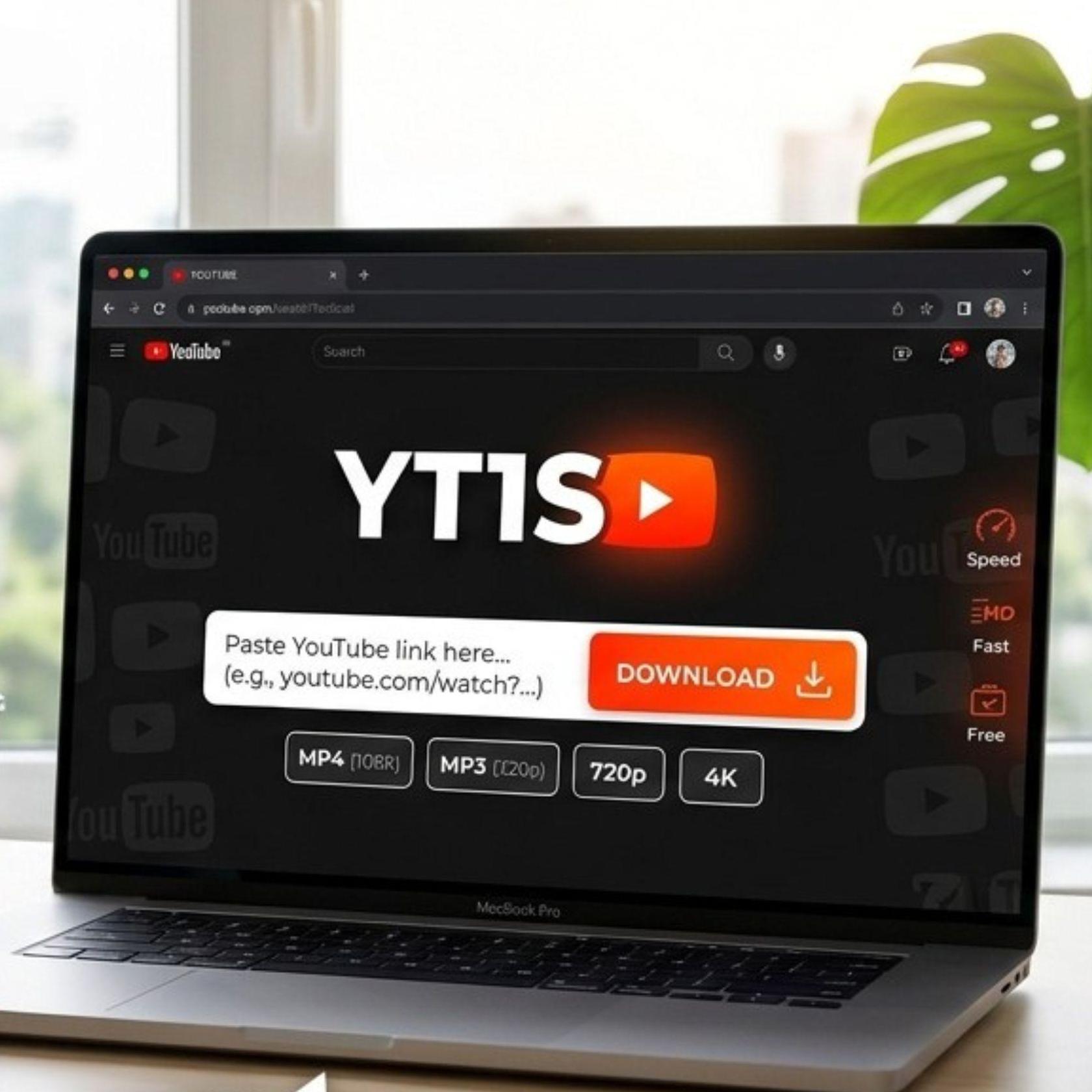
Yt1s is a browser-based tool designed for users who want a straightforward downloading experience. It is commonly associated with YouTube to MP3 and YouTube to MP4 conversion options.
One of its main advantages is that users generally do not need to install desktop software. The website-based approach makes it accessible from different devices, including computers, tablets, and smartphones.
Key features:
- Online access through a web browser.
- Audio and video conversion options.
- Simple interface for beginners.
- No dedicated desktop application required.
Yt1s can be convenient for occasional use, although users should watch out for misleading advertisements, unexpected redirects, and unofficial download buttons.
2. 4K Video Downloader+ – For Desktop Users
4K Video Downloader+ is a desktop application designed for downloading online video content where permitted. It provides more advanced options than many browser-based tools.
Users can explore different video resolutions, audio formats, and downloading preferences. Its free version has usage restrictions, while additional features may require a paid subscription.
Key features:
- Desktop-based downloading.
- Multiple quality options.
- Audio extraction capabilities.
- Support for different media formats.
It is a useful choice for people who prefer dedicated software over online conversion websites.
3. VLC Media Player – More Than a Video Player
VLC Media Player is widely known for playing audio and video files, but it also includes network-streaming capabilities.
Advanced users can sometimes use its network stream features to access compatible online media. However, it is not a dedicated YouTube downloader, and results can vary depending on the source and software version.
Key features:
- Free and open-source software.
- Supports numerous media formats.
- Available for desktop and mobile platforms.
- Useful playback and streaming features.
VLC is better suited to users who want a versatile media player rather than a simple downloading website.
Which YouTube Download Tool Should You Choose?
Each tool serves a different purpose. Yt1s Youtube to mp4 is convenient for browser-based access, 4K Video Downloader+ offers desktop features, VLC provides versatile playback, ClipGrab keeps things relatively simple, and yt-dlp delivers advanced customization.
Your choice ultimately depends on your experience level and requirements. Remember that downloading copyrighted YouTube content without permission may violate copyright law or YouTube's terms of service. Use authorized downloads, respect creators' rights, and avoid suspicious third-party websites.
Final Thoughts
Free YouTube download tools offer different levels of convenience and functionality. Whether you explore Yt1s for online conversion or choose desktop software for additional control, prioritize security, transparency, and responsible media access.


