
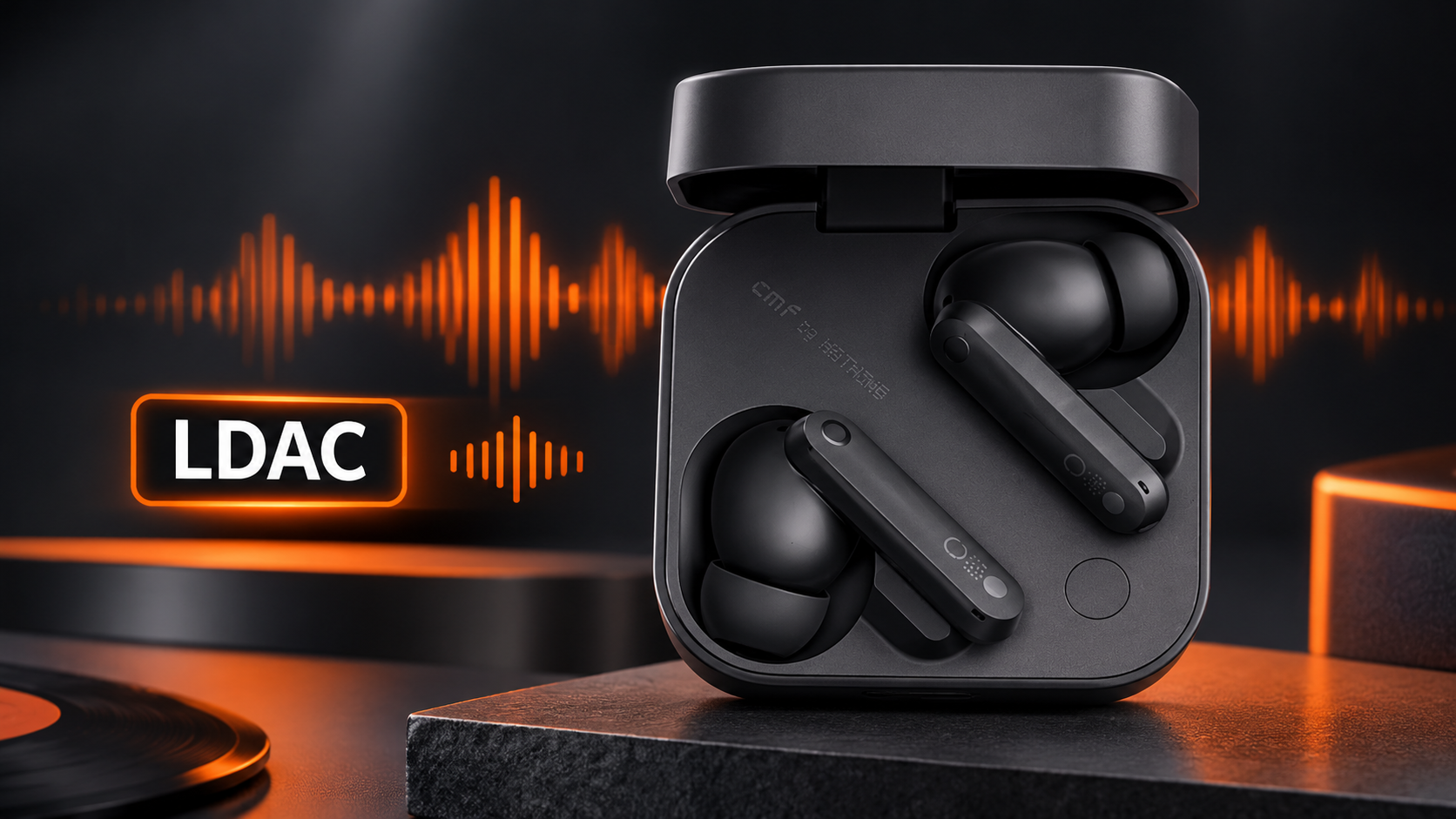

Budget earbuds rarely promise high-resolution wireless audio. The CMF Buds Pro 2 breaks that pattern with LDAC support. Many buyers see the badge on the box and wonder what it changes. Does it make music sound richer? Or is it just clever marketing? The honest answer has some nuance. It depends on your phone, your apps, and your music files. LDAC can reveal finer detail in cymbals, vocals, and acoustic strings. However, it will not turn weak recordings into studio masters. This guide explains how the codec works and when you will hear the gains. You will also learn when you will not hear them. Finally, you will see how to switch it on and avoid common mistakes. Let us start with the basics.
Bluetooth squeezes audio data before sending it to your earbuds. This compression shapes how your music sounds. The default SBC codec sends about 328 kbps. AAC runs at roughly 256 kbps, and iPhones favour it. LDAC, created by Sony, can send up to 990 kbps. That extra bandwidth carries more detail from the original file. Think of it like a wider pipe for water. More flows through, so less gets lost along the way. LDAC also supports 24-bit audio at up to 96 kHz, which fits the Hi-Res Wireless standard. Still, a bigger pipe only helps when the source is rich. A low-quality file gains little from LDAC. Therefore, pair the codec with good tracks. Otherwise, you send a flood of data that holds nothing special.
Why Shoppers Keep Asking About This Model
Interest in these earbuds has grown fast across the country. Many shoppers search for the CMF Buds Pro 2 price in pakistan before they check any technical details. That makes sense, because value drives most purchase choices. Yet price tells only half the story. LDAC support at this level is unusual, since rival earbuds often skip it. Therefore, the codec becomes a real part of the value. Prices also shift with import costs, exchange rates, and retailer stock. So compare listings from authorised sellers before you pay. Check warranty terms and box contents too. Avoid unusually cheap offers, because counterfeit earbuds do circulate. A genuine unit lets you use the Nothing X app and receive firmware updates. Spend a few minutes verifying the seller. That small step protects both your money and your listening experience.
How LDAC Changes What You Hear
Detail, Clarity, and Dynamics
With LDAC active, you should notice clearer separation between instruments. Hi-hats sound crisper, and vocals gain a more natural edge. Acoustic tracks benefit most, because breath and finger noise survive compression. Bass also feels tighter, since the dual-driver design handles low notes cleanly. However, the difference is subtle, not dramatic. Expect polish, not a revolution. Casual listeners on a noisy train may miss it entirely. Meanwhile, careful listeners at home will hear it quickly. Use a familiar song for testing. Switch between codecs while the same track plays. Then listen for texture in cymbals and room ambience. Also adjust the equaliser after testing, since small tweaks often matter more than the codec itself. Trust your own ears, not the spec sheet.
Where the Gains Fade
Not every situation favours LDAC. Crowded places create wireless interference, so connections may stutter at the highest bitrate. Most Android phones let you pick a mode. Connection-priority mode favours stability at about 330 kbps. Standard mode balances both near 660 kbps. Quality mode pushes 990 kbps for the best sound. Moreover, higher bitrates drain batteries faster, in both earbuds and phone. Therefore, use Quality mode at home or at a desk. Switch to a steadier mode while commuting or walking through busy markets. Finally, remember that iPhones do not support LDAC. They fall back to AAC, so the benefit disappears. Check your phone’s specifications before you count on this feature.
How to Enable and Optimise LDAC
Setup takes about two minutes. First, pair the earbuds with an Android phone. Then open the Nothing X app and find the audio settings. Turn on the LDAC option there. Some phones also show codec choices under Developer options, where you can confirm the active codec. Next, choose a high-quality source. Streaming apps offer quality settings, so select the highest tier. Local FLAC files work well too. Avoid heavy equaliser stacking, because it can mask the added detail. Also keep your firmware updated, since updates sometimes improve stability. If audio stutters, keep your phone close, ideally in a front pocket. Finally, read the app notes carefully, because some features may change while LDAC runs.
Is LDAC Worth Using Every Day?
Honestly, it depends on how you listen. Commuters on crowded roads may prefer stability over peak quality. Audio lovers with Android phones and quality streaming accounts will gain the most. Gamers and video watchers should know that high-bitrate codecs can add slight delay. Use the low-latency mode for games instead. Meanwhile, podcast fans gain almost nothing, since speech needs little bandwidth. Still, having the option costs nothing. You can enable LDAC for quiet evenings and switch back for travel. That flexibility is the real strength here. Ask yourself three questions. Does my phone support it? Do I stream good quality? Do I listen in quiet places? Three yeses mean you should use it daily. Otherwise, treat it as a bonus.
Frequently Asked Questions
Does LDAC work with iPhones?
No. iPhones use AAC, so the earbuds fall back to that codec automatically.
Will LDAC drain the battery faster?
Yes, slightly. Higher bitrates use more power, so Quality mode shortens listening time.
Do I need lossless files to hear a difference?
Not strictly, but better sources help. Low-bitrate streams hide most of LDAC’s benefits.
Can I use LDAC while watching videos?
Yes, though slight delay may appear. Use the low-latency mode for games and fast action.
Final Thoughts
LDAC gives the CMF Buds Pro 2 a real edge in wireless sound. You need an Android phone, quality sources, and a quiet setting. Then you will hear added detail and cleaner separation. Use stable modes when you travel. Switch to Quality mode when you want to listen closely.


