

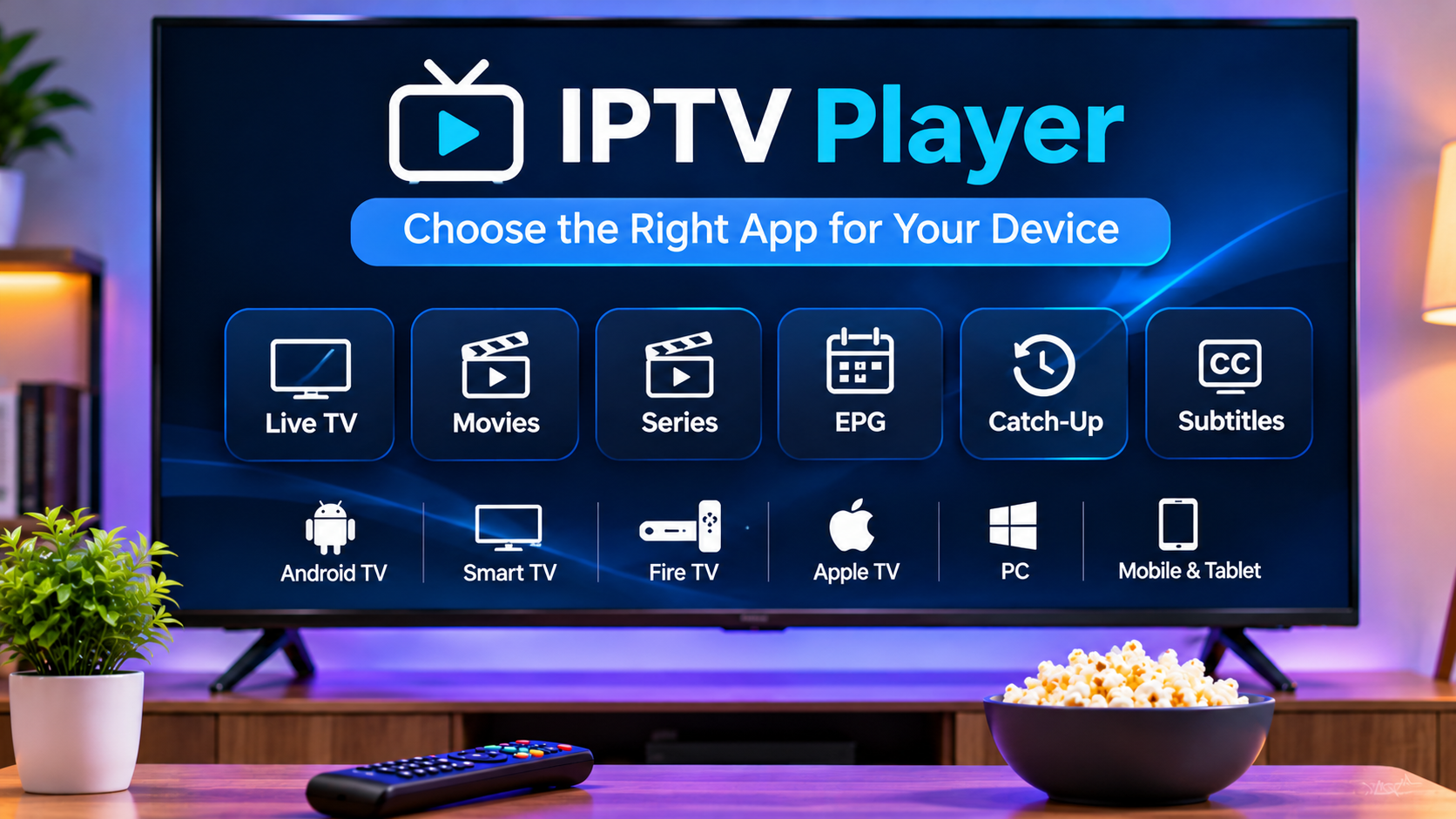

An IPTV subscription is only part of the streaming setup. The application used to access that subscription can have a major impact on navigation, playback quality, subtitles, EPG performance, channel organization, and overall ease of use.
Two users can have the same IPTV service but very different experiences simply because they use different players. One app may be fast and simple, while another offers more advanced features such as recording, catch-up support, multiple playlists, parental controls, or external player integration.
Choosing the right IPTV player therefore starts with understanding the device, login method, and features that matter most.
Start With Device Compatibility
The first question is not which IPTV player looks best. It is whether the app works on the device you already own.
Common IPTV devices include:
-
Android TV
-
Google TV
-
Fire TV devices
-
Smart TVs
-
Smartphones
-
Tablets
-
Windows computers
-
Streaming boxes
An app available on Android TV may not be available on an LG or Samsung Smart TV. Likewise, a mobile app may have a different interface from its television version.
Always check platform compatibility before setting up the account.
Understand Your IPTV Login Method
Different players support different access formats.
Common login methods include:
M3U Playlist
An M3U playlist is usually provided as a URL.
The player loads the playlist and organizes the available streams.
Username and Password Login
Some apps allow users to enter:
-
Server URL
-
Username
-
Password
This can be easier than entering a long M3U address manually.
Portal Login
Certain players and devices use portal-based access.
This method may require a portal URL and, in some cases, device-related information.
Before installing an app, make sure it supports the login method supplied by the provider.
Look for a Clean Interface
A good IPTV player should make it easy to reach the content you actually use.
An overloaded interface may look impressive but become frustrating after daily use.
Useful navigation normally includes:
-
Live TV
-
Movies
-
Series
-
Favorites
-
Search
-
EPG
-
Settings
The layout should also work well with the device's input method.
For example, an app designed for a touchscreen may be awkward to use with a television remote.
EPG Support Is Important for Live TV
An Electronic Program Guide can make live television much easier to browse.
A good IPTV player may show:
-
Current programs
-
Upcoming programs
-
Start and end times
-
Channel names
-
Program descriptions
If live TV is one of the main reasons for using IPTV, EPG quality should be a high priority.
A player with weak EPG support can make even a large channel library difficult to use.
Favorites Can Save Time
Large IPTV libraries can contain many channels.
Most viewers only use a small portion of them regularly.
A favorites feature allows users to create a shorter list containing the channels they watch most often.
This can be especially useful for:
-
Sports
-
News
-
Movies
-
Children's channels
-
International television
A player that makes favorites easy to create and manage can significantly improve everyday usability.
Search Should Be Fast and Accurate
Search becomes increasingly important as the IPTV library grows.
Users should be able to quickly find:
-
Channels
-
Movies
-
Series
-
Categories
-
Programs
Some players provide global search across multiple sections, while others require users to search each category separately.
If the service contains a large amount of content, a strong search function can be one of the most useful features.
Check Catch-Up Compatibility
Some IPTV services provide catch-up television.
This allows viewers to access selected programs after they have already aired.
However, catch-up requires support from both the service and the IPTV player.
A compatible app may integrate catch-up directly into the EPG.
This can allow users to move backward through the schedule and select an earlier program.
If catch-up is important, test the feature before committing to a player for long-term use.
Recording Support May Matter
Some IPTV players support recording or timeshift functionality.
Recording can allow a program to be saved for later, while timeshift may allow live television to be paused temporarily.
These features can depend on:
-
Device storage
-
Player support
-
Connection limits
-
Stream compatibility
-
Service permissions
Not every user needs recording, but those who do should check it before choosing an app.
Subtitle Support for International Content
Subtitle handling can vary significantly between IPTV players.
A useful player may support:
-
Embedded subtitles
-
Multiple languages
-
External subtitle files
-
Subtitle timing adjustments
-
Font size controls
This can be especially important for viewers who regularly watch movies or television from different countries.
If subtitles are important, test them on several pieces of content before settling on one app.
Alternative Audio Tracks
Some content includes multiple audio tracks.
A good player should make switching between available languages simple.
This can be useful for:
-
Dubbed movies
-
International television
-
Sports commentary
-
Multilingual households
If an app makes audio-track selection difficult, it can become frustrating for users who switch languages frequently.
Hardware Decoding and Playback Performance
Different IPTV players may use different playback engines.
This can affect how well they handle:
-
HD video
-
4K content
-
High-bitrate streams
-
Different codecs
-
Older devices
Some apps allow users to switch between hardware and software decoding.
Hardware decoding can reduce processor load, while software decoding may help with certain compatibility problems.
The best option depends on the device.
Buffer Settings Can Be Useful
Advanced IPTV players sometimes allow users to adjust the playback buffer.
A larger buffer may help with unstable connections, while a smaller buffer can reduce startup delay.
These settings should normally be left at default unless a playback problem exists.
Still, having the option available can be useful for troubleshooting.
Multi-Playlist Support
Some viewers use more than one playlist or service.
A player with multi-playlist support can organize several sources within one application.
This may allow users to switch between accounts without repeatedly deleting and re-entering login information.
However, the interface should remain easy to navigate even when multiple playlists are added.
Parental Controls
Households with children may want a player that includes parental controls.
Useful features may include:
-
PIN protection
-
Locked channels
-
Restricted categories
-
Protected settings
A child-friendly setup can also be improved by combining IPTV controls with the parental features built into the Smart TV or streaming device.
Multiple Profiles
Some IPTV players support separate profiles.
This can help households where several people use the same television.
Different profiles may allow each user to keep their own:
-
Favorites
-
Viewing history
-
Categories
-
Recommendations
-
Parental settings
Profile support is not essential for everyone, but it can be valuable in shared households.
External Player Support
Some IPTV apps allow streams to open in another media player.
This can be useful if the internal player struggles with a particular format.
An external player may offer different:
-
Codec support
-
Subtitle handling
-
Audio options
-
Buffering behavior
However, some IPTV-specific features may not work while using an external player.
Check Performance on Older Devices
Older Smart TVs and streaming boxes may have limited memory or slower processors.
A lightweight IPTV player can sometimes perform better than a feature-heavy app.
If the device feels slow, consider:
-
Using a simpler player
-
Removing unused applications
-
Clearing storage
-
Restarting the device
-
Using an external streaming box
A newer player is not always better if the hardware cannot run it smoothly.
Try the Player Before Committing
The best way to evaluate an IPTV player is to use it.
Test:
-
Channel switching
-
EPG loading
-
Favorites
-
Search
-
Subtitles
-
Audio tracks
-
Movie playback
-
Series navigation
-
Catch-up if available
A player that works well during a short test is more likely to provide a good daily experience.
Compare the Player With the IPTV Service
The IPTV player and service need to work well together.
When comparing available services, users can review ZYRA IPTV alongside other IPTV providers while considering device compatibility, login methods, subscription choices, setup guidance, and the features supported by compatible players.
The right combination of service and application is more important than choosing either one in isolation.
Keep the Player Updated
IPTV applications are updated for many reasons.
Updates may include:
-
Security fixes
-
Better codec support
-
Improved EPG handling
-
Faster navigation
-
Subtitle improvements
-
Bug fixes
-
New device support
Keeping the application updated can help avoid compatibility issues.
Avoid Unknown IPTV Apps
Not every app found online is trustworthy.
Users should be careful with applications that:
-
Come from unknown sources
-
Request unnecessary permissions
-
Ask for unrelated personal information
-
Promise unrealistic features
Whenever possible, use trusted stores or official developer sources.
This is especially important because IPTV login information can provide access to the user's account.
Protect Your Credentials
Usernames, passwords, portal details, and M3U URLs should be treated as private information.
Do not post them publicly.
Avoid entering credentials into random websites or unfamiliar applications.
If you test several IPTV players, remove login information from apps you no longer use.
Check Subscription Connection Limits
A player may support several devices, but the IPTV subscription itself can still limit simultaneous streams.
For example, an account may be installed on a television and phone while allowing only one active stream at a time.
Understand the service's connection rules before using multiple devices simultaneously.
Use a Stable Network
Even the best IPTV player cannot completely compensate for an unstable network.
For better performance:
-
Use strong Wi-Fi
-
Keep the router well positioned
-
Avoid unnecessary downloads
-
Try Ethernet on fixed devices
-
Restart the router when troubleshooting
Playback quality depends on both the app and the network.
Consider Content Licensing
IPTV players are simply applications for accessing internet television streams.
Using a particular player does not determine whether the content is properly licensed.
Users should choose legitimate services and make sure they are authorized to access the programming provided.
Applicable rules can differ by location.
Final Thoughts
Choosing the right IPTV player can make a noticeable difference to the streaming experience.
The best option should support the user's device, login method, EPG requirements, subtitles, audio tracks, favorites, search, and any advanced features such as recording or catch-up.
There is no single IPTV player that is ideal for everyone.
A lightweight app may be perfect for someone who only watches live TV, while another viewer may prefer a more advanced player with multiple playlists and detailed customization.
The best approach is to test a compatible player on your actual device and choose the one that makes everyday viewing simple, stable, and easy to manage.


