


Lightspeed WooCommerce Sync: Keep Inventory and Orders Updated
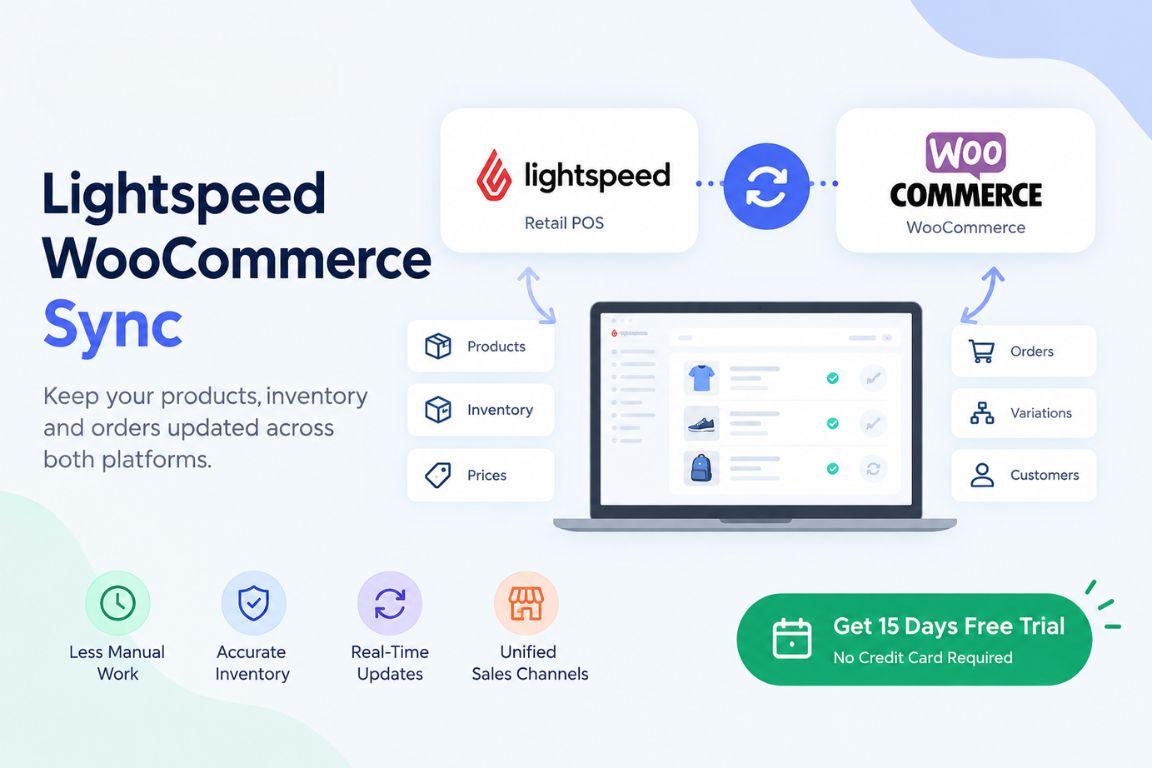
Managing products across a physical store and an online WooCommerce store can become difficult when data is updated manually. Product changes, inventory levels, and orders can quickly get out of sync. Lightspeed WooCommerce sync helps connect your Lightspeed POS with WooCommerce so important store data stays consistent across both platforms.
Why Sync Lightspeed With WooCommerce?
Lightspeed manages products, inventory, and sales for your physical store. WooCommerce helps you sell those products online. Without synchronization, you may need to update product information and stock levels separately in both systems.
A connected setup reduces this manual work. When inventory changes in one system, the updated information can be synchronized with the other platform. This helps you maintain more accurate stock information and reduces the risk of selling products that are no longer available.
What Data Can Be Synchronized?
A Lightspeed WooCommerce integration can help synchronize important retail data between your systems. Depending on your setup, this can include:
- Product information and SKUs
- Product prices
- Inventory quantities
- Product variations
- Orders and sales information
- Customer data
Keeping this information connected gives your team a more consistent view of products and sales across your physical and online stores.
How SKUPlugs Helps With Lightspeed WooCommerce Sync
SKUPlugs connects Lightspeed Retail with WooCommerce to simplify product, inventory, and order synchronization. It supports both Lightspeed R-Series and Lightspeed X-Series, allowing retailers to connect their Lightspeed environment with their WooCommerce store.
SKUPlugs is designed for a no-code setup, so you do not need to build a custom integration. Once your systems are connected, SKUPlugs helps synchronize relevant data between Lightspeed and WooCommerce, reducing the need for repetitive manual updates.
This can be especially useful for retailers managing a large product catalog or selling through both physical and online stores. Instead of maintaining separate records, you can use an integrated workflow to keep your sales channels aligned.
Start Your Lightspeed WooCommerce Integration
If you want to simplify inventory and product management between Lightspeed and WooCommerce, SKUPlugs can help you get started.
Start your 15-day free trial today. No credit card is required. Connect your retail systems and reduce the manual work involved in keeping your online and physical store data updated.
Original Source: Medium

 English
 Arabic
 French
 Spanish
 Portuguese
 Deutsch
 Dutch
Dutch
 Italiano
 Russian
 Romaian
 Portuguese (Brazil)
 Greek
Greek