


BigCommerce Store Audit Checklist: Finding Speed, SEO, and Conversion Gaps
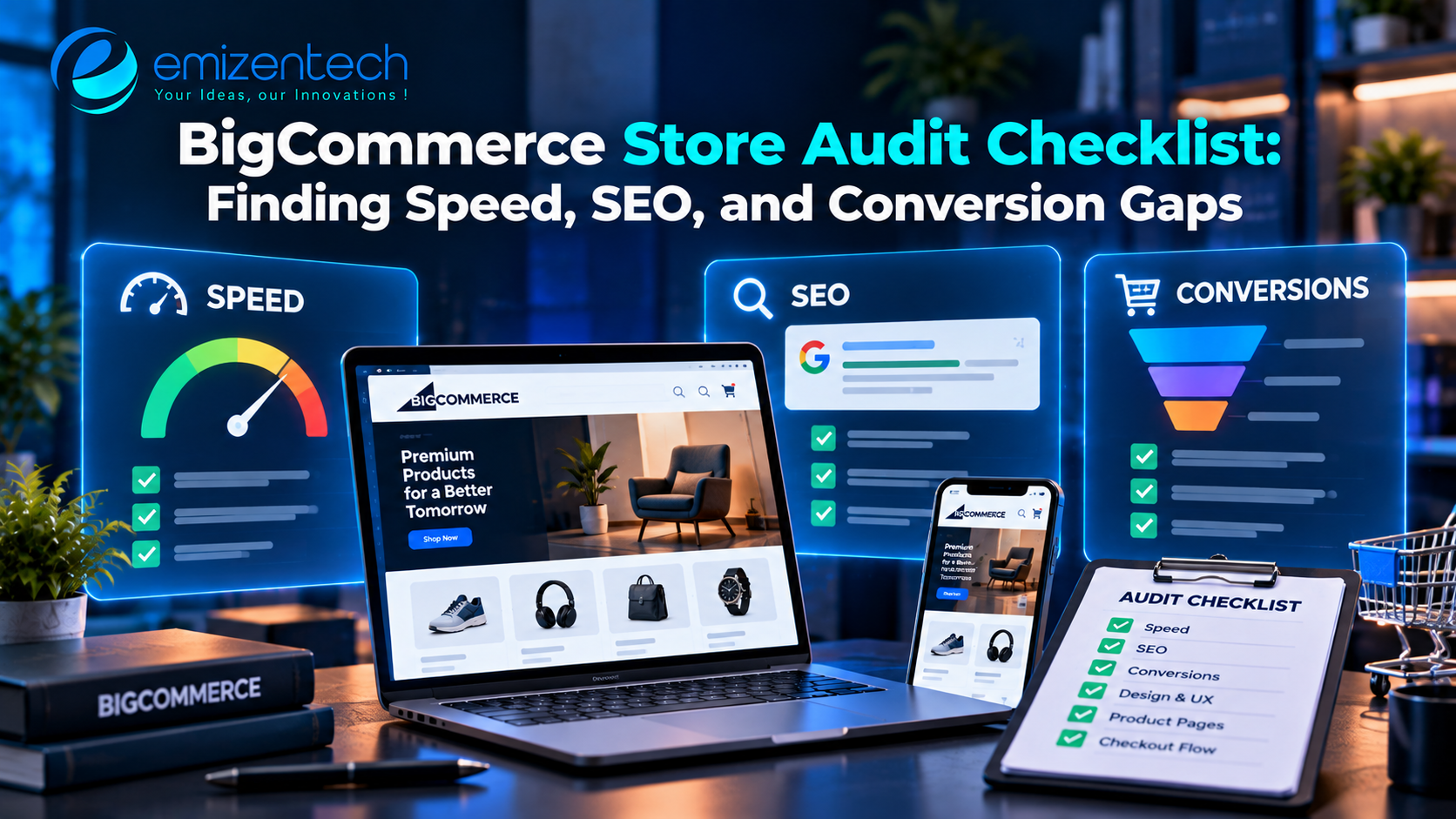
Most stores do not lose sales because of one big problem. They lose them through many small ones: a slow product page, a missing meta description, a confusing checkout step. Each issue looks minor, but together they hold back traffic and revenue.
A store audit helps you find these gaps in an organized way. This guide gives you a practical checklist covering speed, SEO, conversion, and technical health. It is part of our complete guide on how to scale a BigCommerce store.
What Is a BigCommerce Store Audit?
A store audit is a structured review of how your store performs and where it can improve. You check the site against a fixed list, record what you find, and fix the issues in order of impact.
You can run the audit with your own team, or you can ask a specialist in BigCommerce development to review the technical parts, such as theme code, scripts, and integrations. Either way, the goal is the same: a clear list of fixes ranked by how much they will help.
How to Prepare for the Audit
A little preparation makes the review faster and more useful.
- Set a goal, such as faster pages, more organic traffic, or a higher conversion rate.
- Collect baseline numbers from your analytics, so you can measure improvement later.
- Get access to Google Search Console, your analytics tool, and your BigCommerce control panel.
- Open a shared document or spreadsheet to track each issue, its priority, and its owner.
Part 1: Speed Audit
Page speed affects rankings, bounce rate, and sales. Shoppers rarely wait for a slow page.
What to check:
- Test your homepage, a category page, a product page, and the cart with a tool such as PageSpeed Insights.
- Review Core Web Vitals in Google Search Console.
- Check image sizes and formats. Large, uncompressed images are the most common cause of slow pages.
- Count the apps and third-party scripts that load on each page.
- Look at theme code for unused CSS and JavaScript.
- Confirm that lazy loading is active for images below the fold.
- Test the store on a mid-range phone with a normal mobile connection, not only on a fast desktop.
What to fix first: compress images, remove apps you no longer use, and delay scripts that are not needed on first load.
Part 2: SEO Audit
SEO gaps are often easy to fix and bring steady returns over time.
Technical SEO
- Check that your pages are indexed in Google Search Console.
- Review your XML sitemap and robots.txt file.
- Look for broken links and 404 errors, and set up 301 redirects for removed pages.
- Make sure each page has one canonical URL, so duplicate versions do not compete.
- Confirm that your site uses HTTPS everywhere.
On-page SEO
- Give each page a unique title tag and meta description.
- Use one H1 per page, with clear H2 and H3 headings below it.
- Write product descriptions in your own words, not copied from suppliers.
- Add descriptive alt text to product images.
- Use clean, readable URLs.
Structured data
- Add product schema so search engines can show price, availability, and reviews.
- Test your markup with Google's Rich Results Test.
Category and content pages
- Make sure category pages have short, useful introductions.
- Link related products and categories to each other.
- Check that blog posts link to relevant product and category pages.
Part 3: Conversion Audit
Traffic only matters if visitors buy. This part looks at how easily shoppers move from landing on your store to paying.
Product pages
- Show clear images, a visible price, and an obvious "Add to Cart" button.
- Place key details, such as sizes, delivery time, and returns, near the button.
- Display reviews and ratings where shoppers can see them.
- Keep descriptions short at the top, with details further down.
Cart and checkout
- Show shipping costs as early as possible.
- Reduce the number of form fields.
- Offer guest checkout.
- Provide the payment methods your customers prefer.
- Display trust signals, such as secure payment badges and clear return terms.
Navigation and search
- Check that menus are simple and match how shoppers think.
- Test the search bar with common queries and typos.
- Review filters and sorting on category pages.
Mobile experience
- Place buttons where thumbs can reach them.
- Make sure text is readable without zooming.
- Test the full purchase path on both iOS and Android.
Part 4: Analytics and Tracking Audit
You cannot improve what you cannot measure. Wrong tracking leads to wrong decisions.
- Confirm that your analytics tool records purchases correctly.
- Compare order counts in analytics with orders in BigCommerce. Large gaps point to tracking errors.
- Check that ad pixels and conversion tags fire once per purchase, not twice.
- Set up goals or events for add-to-cart, checkout start, and purchase.
- Review your consent banner to ensure tracking follows privacy rules in your regions.
Part 5: Catalog and Content Audit
A tidy catalog helps both shoppers and search engines.
- Look for products with missing images, short descriptions, or empty attributes.
- Find duplicate products and merge them.
- Check that titles follow one consistent format.
- Review out-of-stock and discontinued products, and redirect or update them.
- Make sure prices, stock levels, and variants are accurate.
Part 6: Security and Reliability Check
A full security review is a separate task, but a quick check belongs in every audit.
- Confirm that two-step verification is on for all admin users.
- Remove old staff accounts and unused apps.
- Review the scripts that load on your checkout page.
- Test your contact forms, order emails, and password reset emails.
Part 7: Accessibility Check
Accessible stores reach more shoppers and reduce legal risk.
- Check that all images have alt text.
- Test whether the store can be used with a keyboard alone.
- Verify that text has enough contrast against the background.
- Make sure form fields have clear labels and error messages.
How to Prioritize What You Find
An audit can produce a long list. Sort it so the most valuable fixes come first.
| Priority | Type of issue | Examples |
|---|---|---|
| High | Directly affects sales or indexing | Broken checkout steps, blocked pages, tracking errors |
| Medium | Affects experience or rankings | Slow images, missing meta tags, weak product pages |
| Low | Small improvements | Minor design tweaks, extra schema fields |
Within each level, start with fixes that are quick and affect many pages. A change to a product page template, for example, improves every product at once.
How Often Should You Audit?
A full audit once or twice a year is a good rhythm for most stores. Run smaller checks every month or quarter, such as reviewing speed scores, Search Console errors, and conversion rate. Also audit after major changes, such as a redesign, a platform migration, or a large catalog update.
A Quick Audit Checklist
Use this as a short version for regular reviews:
- Key pages load quickly on mobile.
- Pages are indexed, with no major crawl errors.
- Titles, descriptions, and headings are unique and clear.
- Product pages show price, images, reviews, and delivery details.
- Checkout is short, with costs shown early.
- Analytics matches real order data.
- The catalog has no missing images or duplicate products.
- Admin access and installed apps are reviewed.
- Basic accessibility checks pass.
Turn the Audit Into a Routine
An audit is only useful if the findings turn into action. Pick the top five issues, assign an owner to each, and set a date. When those are done, move to the next five. Within a few months, the store will be faster, easier to find, and easier to buy from.
If you would like an expert to review your store and fix the issues, the team at EmizenTech offers BigCommerce development support, from technical audits to speed, SEO, and conversion improvements.
Frequently Asked Questions
1. How long does a store audit take?
A small store can be reviewed in a few days. Larger stores with big catalogs and many integrations may take a few weeks.
2. Which tools should I use for a BigCommerce audit?
Google Search Console, Google Analytics, and PageSpeed Insights cover most needs. Many teams add a crawling tool to find broken links and missing tags.
3. What should I fix first after an audit?
Start with issues that directly affect sales or indexing, such as checkout errors and blocked pages. Then move to speed and on-page SEO.
4. Can I do the audit myself?
Yes, for most checks. Technical areas, such as theme code, scripts, and integrations, are easier with help from a developer.
5. How often should I audit my store?
Run a full audit once or twice a year, with lighter monthly or quarterly checks in between.
6. Will an audit improve my rankings right away?
Not always. Technical fixes can show results within weeks, while content and authority improvements take longer. Track your baseline numbers so you can see the change.

 English
 Arabic
 French
 Spanish
 Portuguese
 Deutsch
 Turkish
 Dutch
Dutch
 Italiano
 Romaian
 Portuguese (Brazil)
 Greek
Greek