


How Scrum and Kanban Work with a Remote Dedicated Team
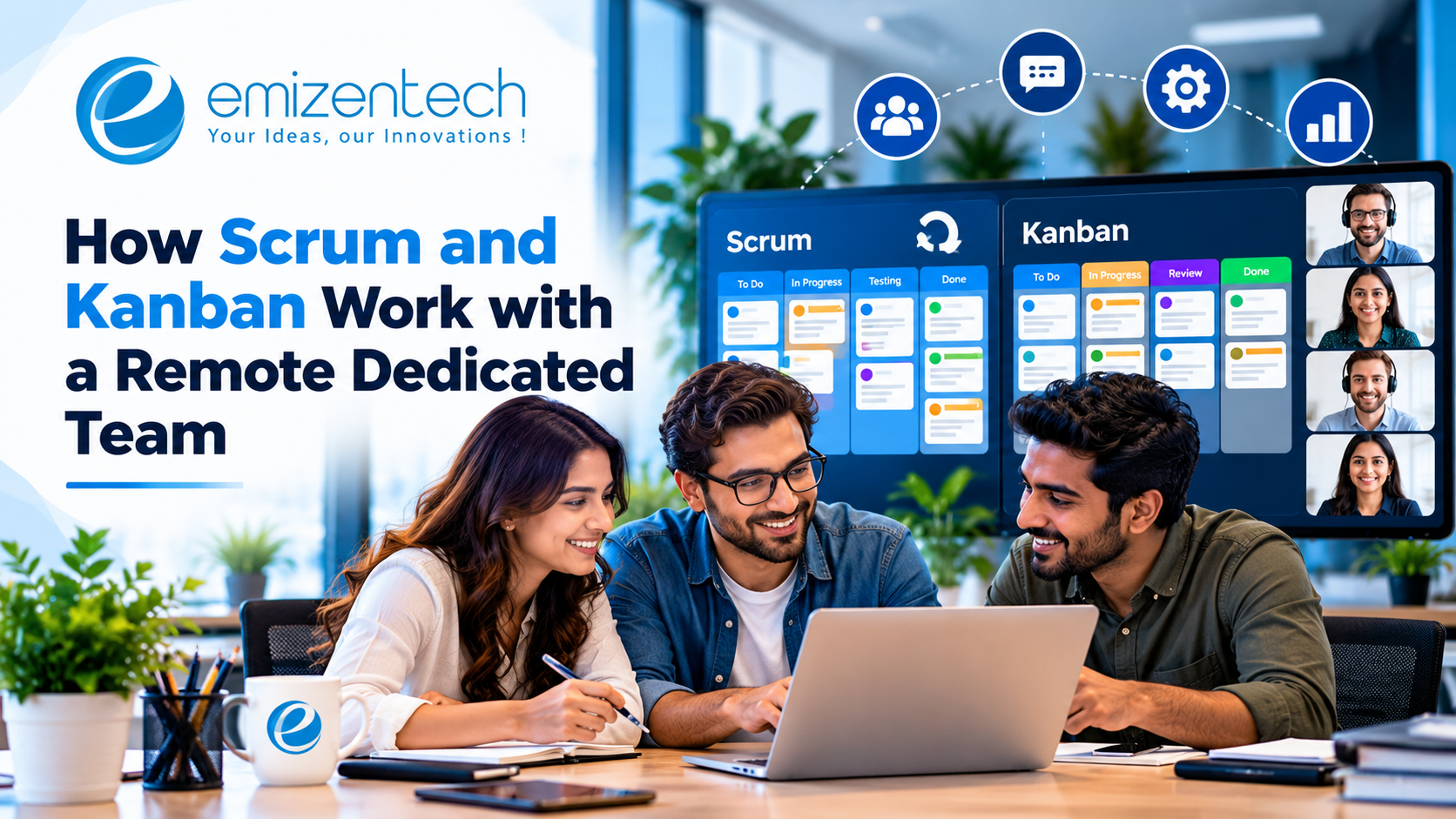
Agile gets talked about like it's one thing. In practice, most teams are running either Scrum, Kanban or some blend of the two, and the choice matters more than people admit. It shapes your meetings, how work flows and how easily you can see what a remote team is doing.
That last part is the hard one. When developers sit in another time zone, you can't wander over to check on progress. The process has to do that job for you. This guide looks at how Scrum and Kanban each work with a remote dedicated team, where each one shines and how to pick the right fit for your project.
Why Process Matters More With a Remote Team
In an office, a loose process can limp along. People overhear each other, fix misunderstandings at the coffee machine and fill gaps with goodwill. Remote work strips that away.
With a dedicated team working from a different location, everything that used to happen informally has to be made visible. What's being built this week? Who's blocked? What's finished and what only looks finished? A good agile framework answers those questions without a meeting for each one.
It also protects you from drift. Without a clear rhythm, remote teams can wander off in directions that made sense locally but miss your priorities. Regular planning, reviews and demos pull everyone back to the same page.
So the question isn't "should we use agile?" It's "which version fits how we actually work?"
Scrum in a Nutshell
Scrum organizes work into fixed-length cycles called sprints, usually one to three weeks. Before each sprint, the team picks a batch of work from the backlog and commits to finishing it. At the end, they show what they built and reflect on how things went.
The main pieces are simple:
- Sprint planning: The team chooses what to tackle in the coming sprint
- Daily stand-up: A short check-in on progress and blockers
- Sprint review: A demo of finished work for stakeholders
- Retrospective: A team discussion of what to improve
- Roles: A product owner who sets priorities, a Scrum master who keeps the process healthy and the developers who build
Scrum's strength is predictability. You get a clear rhythm, regular demos and a natural point every couple of weeks to adjust course. That's valuable when you're building something with a defined goal and want to see steady progress.
Kanban in a Nutshell
Kanban takes a different approach. There are no fixed sprints. Work moves continuously across a board, usually with columns such as To Do, In Progress, In Review and Done. The key rule is a limit on how many items can sit in each column at once.
Those limits are what make Kanban work. They stop people from starting too many things and expose bottlenecks quickly. If the Review column keeps filling up, you know reviews are the problem, and you can fix that instead of piling on more work.
Kanban's strength is flexibility. New tasks can enter at any time, priorities can shift without waiting for a sprint boundary and the process suits work that's unpredictable, like support requests, bug fixes and maintenance.
How Scrum Works With a Remote Dedicated Team
Scrum fits remote teams well, with a few adjustments. The structure gives you built-in checkpoints, which is exactly what you want when you can't see the team in person.
If you're ready to hire dedicated remote developer talent for a product with clear goals and steady feature work, Scrum is often the natural starting point, since sprint goals and demos give you a reliable view into progress. Here's how to adapt each ceremony.
Sprint Planning
Hold it at the start of each sprint, during your overlap hours. Share the prioritized backlog a day or two in advance, so developers can review tasks and bring questions. Aim to leave planning with a clear sprint goal and tasks everyone understands.
Daily Stand-Up
Keep it to 15 minutes. If the overlap window is small, consider a hybrid: a quick live call a few times a week, plus a written update on other days covering what was done, what's next and what's blocked.
Sprint Review
This is your best tool for staying in control. Have the team demo working software, not slides. Record the session so people who can't attend can watch later.
Retrospective
Don't skip it, even when the sprint went well. Remote teams need a regular space to raise issues that never come up in daily work, like unclear tickets or awkward meeting times.
Backlog Refinement
Spend a short session each week clarifying upcoming tasks. Well-written tickets with acceptance criteria are the single biggest help to an offshore or remote team, since they can't just walk over and ask.
How Kanban Works With a Remote Dedicated Team
Kanban suits remote teams for a different reason: the board itself is the communication tool. Anyone, anywhere, can open it and see the state of the work.
A few practical tips make it work smoothly.
Keep the board accurate. A board that's out of date is worse than no board. Agree that tickets get moved as soon as their status changes.
Set work-in-progress limits. For a small team, two or three items per person in progress is plenty. The limit forces finishing before starting.
Define the columns clearly. What exactly does "In Review" mean? Who picks up the item next? A short note on each column prevents confusion.
Track cycle time. Measure how long items take from start to finish. A rising number signals a bottleneck long before anyone complains.
Use a lightweight cadence. Even without sprints, a weekly planning check and a monthly retrospective keep the team aligned and learning.
Kanban asks less of everyone's calendar, which helps when overlap hours are scarce. The trade-off is that it provides fewer natural checkpoints, so you'll need to be disciplined about reviews and demos.
Scrum vs Kanban: A Side-by-Side Comparison
Here's how the two stack up for a remote dedicated team.
| Factor | Scrum | Kanban |
|---|---|---|
| Structure | Fixed sprints | Continuous flow |
| Meetings | Planning, stand-up, review, retro | Lighter, often just stand-up and periodic reviews |
| Best for | Product builds with defined goals | Maintenance, support and variable workloads |
| Flexibility | Changes wait for the next sprint | Priorities can change anytime |
| Visibility | Sprint goals and demos | Live board and flow metrics |
| Predictability | High, through committed sprints | Moderate, through cycle time data |
| Overlap hours needed | More, due to ceremonies | Fewer |
| Risk | Rigidity if scope shifts often | Drift without regular checkpoints |
Neither wins outright. The best choice depends on the kind of work.
How to Choose Between Them
A few questions usually settle it.
What kind of work dominates? New feature development with a roadmap leans toward Scrum. A steady stream of bug fixes, requests and small improvements leans toward Kanban.
How often do priorities change? If you change direction weekly, sprint commitments will feel constraining. If priorities hold for a couple of weeks at a time, Scrum works nicely.
How much overlap do you have? Scrum's ceremonies need shared time. If overlap is tight, Kanban's lighter touch may serve better.
How much visibility do you want? If you like regular demos and fixed checkpoints, Scrum delivers that naturally. If you prefer a live view of the flow, Kanban does.
How experienced is the team? Teams new to agile often find Scrum's structure easier to follow. Experienced teams can handle Kanban's looser rhythm.
The Hybrid Option: Scrumban
Plenty of teams don't pick one. They combine them, an approach often called Scrumban. A common version keeps Scrum's sprint planning and retrospectives for rhythm, while using a Kanban board with work-in-progress limits to manage day-to-day flow.
It suits teams with mixed workloads, like a product build that also has a steady trickle of bug fixes. You get the checkpoints of Scrum and the flexibility of Kanban without committing fully to either.
Start with one framework and adapt it as you learn. Don't treat the textbook version as sacred. A process that fits your team beats a pure one that doesn't.
Tools That Support Remote Agile
You don't need an elaborate setup. A shared board in Jira, Trello, Azure DevOps or a similar tool covers most needs. Add a chat tool for quick questions, a video tool for meetings and a shared document space for notes and decisions.
Quality deserves a place in the process too. Build testing into your definition of done, and consider bringing in dedicated software testing support so issues are caught within the sprint rather than after it. Teams that treat testing as part of every task spend far less time on cleanup.
Whichever tools you pick, keep them consistent. A dozen overlapping tools leave information scattered and people confused.
Common Mistakes to Avoid
Even good frameworks fail when they're applied badly. If you want broader context, this guide on how to hire a dedicated app development team covers how teams are put together, and the same habits apply to how they work.
Copying the process without understanding it. Running ceremonies out of habit, with no purpose, wastes everyone's time.
Too many meetings. In a small overlap window, every extra meeting eats real working time. Cut anything that doesn't earn its place.
Vague tickets. Remote developers can't easily ask quick questions, so unclear tasks lead to rework. Write clear acceptance criteria.
Skipping retrospectives. They feel optional when things are busy. They're also where you catch the small frictions before they grow.
Neglecting the definition of done. If "done" means different things to different people, sprint results become unreliable.
Micromanaging through the process. Agile gives you visibility, not permission to hover. Trust the team to manage their own work within the framework.
Conclusion
Scrum gives a remote dedicated team rhythm, checkpoints and regular demos. Kanban gives it flexibility and a live view of the flow of work. Pick based on the kind of work you do, how often priorities shift and how much overlap you have, and don't hesitate to blend the two when that fits better.
Whichever you choose, keep tickets clear, meetings lean and retrospectives regular. If you'd like a team that already works this way, EmizenTech places dedicated remote developers with US clients who slot into sprint or board-based workflows quickly, and the 14-day money-back window lets you see how the process feels in practice before you commit any further.
FAQs
1. Is Scrum or Kanban better for a remote dedicated team?
Neither is better in every case. Scrum suits product builds with defined goals and regular demos, while Kanban suits maintenance and variable workloads. Many teams use a mix of both.
2. How long should sprints be for a remote team?
Two weeks works well for most remote teams. It's short enough to adjust course quickly and long enough to finish meaningful work. Some teams use one-week sprints for fast-moving projects.
3. How do we run daily stand-ups across time zones?
Keep them to 15 minutes during your overlap hours. If the window is small, alternate between live calls and short written updates covering progress, plans and blockers.
4. Do we need a Scrum master for a small dedicated team?
Not always. In a small team, the tech lead or project coordinator can cover the role. As the team grows, a dedicated Scrum master helps keep the process healthy.
5. Can we switch from Scrum to Kanban later?
Yes. Many teams start with Scrum for structure and move toward Kanban or a hybrid as their workload becomes more continuous. Make the change deliberately and agree on it with the whole team.

 English
 Arabic
 French
 Spanish
 Portuguese
 Deutsch
 Turkish
 Dutch
Dutch
 Italiano
 Russian
 Romaian
 Portuguese (Brazil)