


Download Facebook Messenger Conversations to PDF- Instant Guide
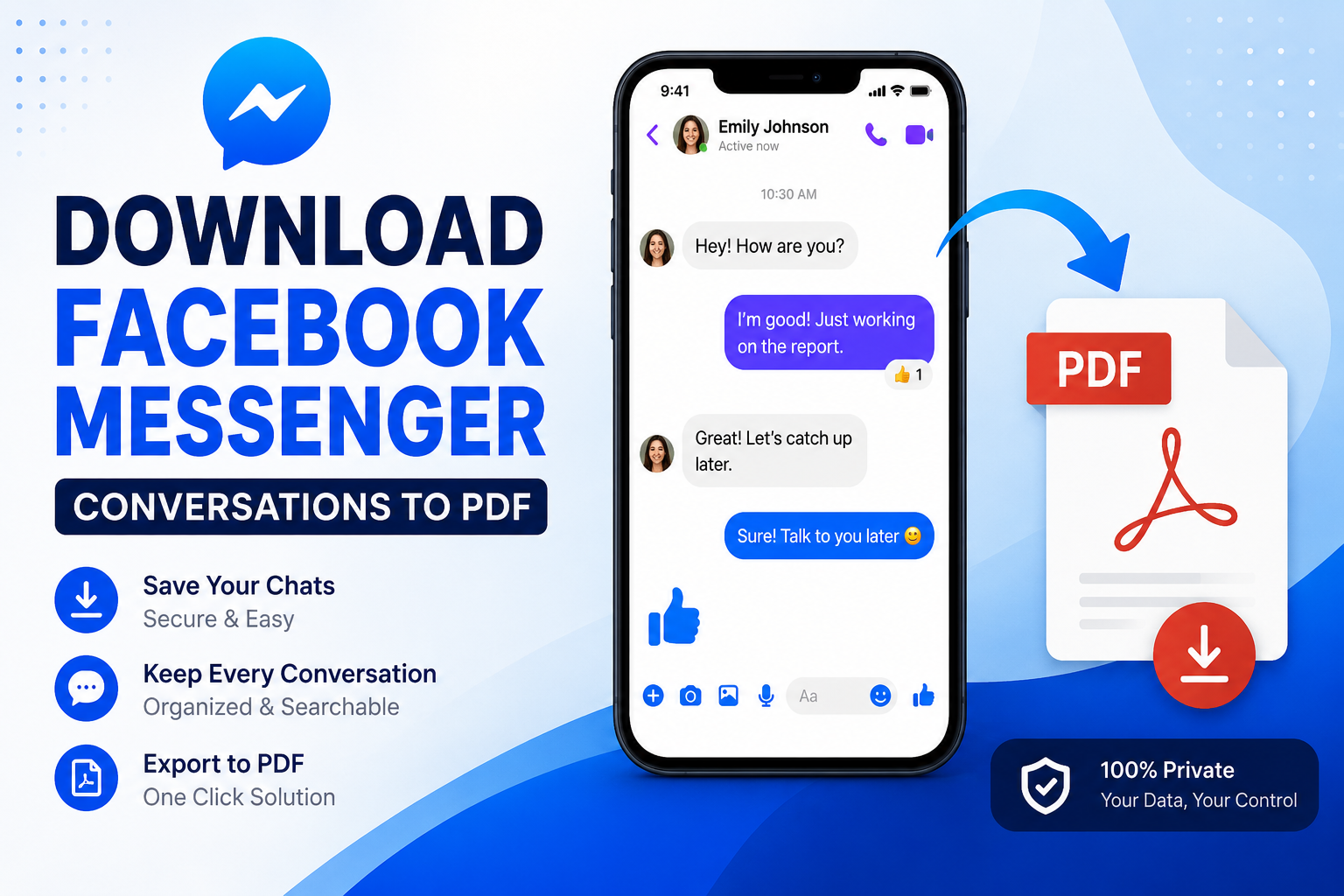
Facebook Messenger is commonly used for personal conversations, business communication, customer support, and sharing important information. Sometimes, you may want to preserve a conversation outside Messenger, especially before deleting your account, changing devices, or simply creating an offline backup.
If you are looking for how to download Facebook Messenger conversations to PDF, there are several ways to do it. Facebook lets you export your information, but the official download is provided in HTML or JSON rather than directly as a PDF. You can then convert the exported chat data into a readable PDF document.
This guide explains the available methods, their limitations, and a practical way to convert exported Messenger conversations into PDF.
Why Save Facebook Messenger Chats as PDF?
There are several reasons to download Facebook Messenger conversations to PDF:
-
Create an offline backup: Keep important conversations available even when you are not logged into Facebook.
-
Preserve personal memories: Save conversations with family, friends, or loved ones.
-
Keep business records: Store customer discussions, orders, agreements, or project communication.
-
Improve accessibility: PDF files are easier to open, share, print, and organize.
-
Prepare documentation: A properly preserved conversation may be useful when maintaining records or documentation.
-
Avoid losing important information: Keeping a separate copy can be useful before making major changes to your Facebook account.
If you plan to delete your Facebook account, it is particularly important to export the information you need beforehand. Facebook notes that deleted accounts cannot be used to access account information through the normal export process.
How to Download Facebook Messenger Conversations to PDF
Saving important Facebook Messenger conversations as PDF makes them easier to read, archive, print, and share. However, Facebook does not provide a direct option to export Messenger chats as PDF. Instead, you can export your Facebook information in HTML or JSON format through Accounts Center.
Once the Messenger data is downloaded, you can open the exported HTML files or use a suitable converter to process the JSON chat data. If your export is in JSON, you can convert JSON to PDF to create a more accessible copy of your Messenger conversations.
Method 1: Save a Short Messenger Conversation as PDF Using Screenshots
If you only need a few messages, screenshots are the simplest option.
On Android
-
Open the Messenger app.
-
Open the conversation you want to preserve.
-
Scroll through the chat and capture the required screenshots.
-
Open the screenshots in your gallery or Google Photos.
-
Select the screenshots and choose the Print option.
-
Select Save as PDF.
-
Choose a location and save the PDF.
On iPhone
-
Open Messenger.
-
Open the required conversation.
-
Capture screenshots of the messages.
-
Open the screenshots in the Photos app.
-
Tap Share and choose Print.
-
Expand the print preview with a pinch-out gesture.
-
Tap Share again.
-
Select Save to Files.
-
Save the screenshots as a PDF.
Limitations of the Screenshot Method
Although this method is convenient, it is not ideal for lengthy Messenger conversations.
-
You have to capture many screenshots manually.
-
Searching for specific text inside the PDF can be difficult.
-
Large conversations require significant time.
-
The output is image-based rather than structured chat data.
-
Images and message formatting may not be preserved consistently.
-
It is easy to accidentally miss part of a conversation.
For a few messages, screenshots are fine. For hundreds or thousands of messages, use the Facebook data export method instead.
Method 2: Convert Exported Facebook Messenger Chat to PDF - Professional Tool
If your Facebook Messenger data is exported in JSON format, manually opening and converting the files can be difficult, especially when you have multiple conversations or a large chat history. A professional conversion tool can simplify this process by transforming exported Messenger JSON files into a readable PDF without extensive manual work.
The SysTools JSON Chat Converter Tool is a practical option for converting exported Facebook Messenger chat data into PDF. It helps process JSON-based chat files and preserve the conversation details in a structured format. Simply add the exported Messenger JSON file, select PDF as the output format, and start the conversion to save your conversations as easily accessible PDF documents.
Stepwise Guide to Use Pro Utility
-
Download and install a trusted JSON chat conversion utility.
-
Add the Facebook Messenger JSON file using “Add Files or Folders”.
-
Select the required chats and choose PDF as the output format.
-
Select the destination folder and click on Export button.
-
Lastly, tap on View Report to open Facebook Messages in PDF file.
Why Choose a Dedicated Software Solution?
-
Convert exported chat data into PDF.
-
Process multiple chat files.
-
Handle large volumes of exported conversations.
-
Preserve conversation structure more effectively.
-
Reduce manual copy-and-paste work.
-
Make exported chat data easier to read.
-
Save converted conversations to a selected location
What About Facebook Messenger End-to-End Encrypted Chats?
There is an additional consideration for newer Messenger conversations.
Meta provides a separate process for downloading data from end-to-end encrypted chats when secure storage is enabled. According to Messenger Help, downloading this data is currently available on a computer. The process involves opening Messenger, going to Privacy & safety → End-to-end encrypted chats → Message storage, and selecting the option to download secure storage data.
You may need your Messenger PIN or a one-time code to restore your chat history, followed by your Facebook password when prompted.
After obtaining the exported data, you can use an appropriate conversion method to create a PDF copy.
Time to Wrap Up!
Downloading Facebook Messenger conversations as PDF is useful for keeping important chats accessible and organized. You can export your Messenger data from Facebook and then use a suitable tool to create a readable PDF. If your exported chat is in JSON format, you can transform JSON chat messages to PDF using a professional solution and preserve your conversations for future reference.

 English
 Arabic
 Spanish
 Portuguese
 Deutsch
 Turkish
 Dutch
Dutch
 Italiano
 Russian
 Romaian
 Portuguese (Brazil)
 Greek
Greek