


How Small Businesses Can Track Stock Without Relying on Spreadsheets
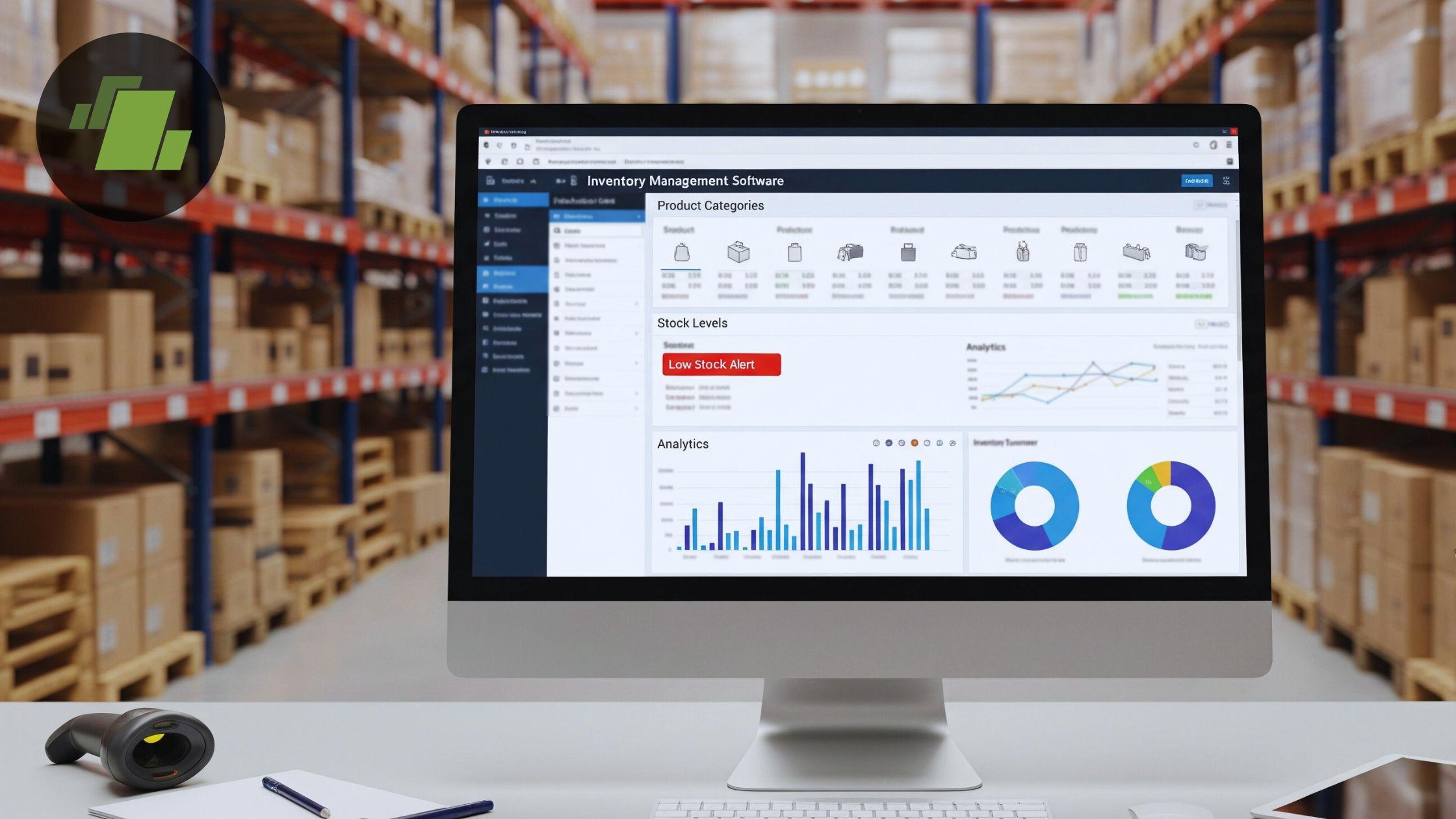
Many small businesses start tracking stock with spreadsheets. It is a simple and inexpensive way to record product names, quantities, purchases, and sales.
However, spreadsheets can become difficult to manage as the business grows. More products, suppliers, customer orders, and daily transactions mean more manual updates. A missed entry or incorrect formula can quickly create differences between the stock shown in the spreadsheet and the actual inventory available.
Using inventory management software small business owners can rely on can provide a more organised way to track stock and reduce dependence on manually maintained spreadsheets.
The goal is not to make inventory management unnecessarily complicated. A small business needs a simple system that records stock movement accurately and provides a clear view of available inventory.
Why Spreadsheets Become Difficult to Manage
Spreadsheets work reasonably well when a business has a small number of products and limited transactions.
The problem begins when multiple employees need to update the same information or when stock data is maintained across several files.
One spreadsheet may track purchases, another may contain sales records, and a third may be used for physical stock counts. This creates duplicate work and increases the possibility of errors.
For example, a product may be sold, but the employee may forget to update the stock spreadsheet. The business then sees an incorrect quantity and may assume that more products are available than actually exist.
Using inventory management software small business operations can use helps connect inventory records with day-to-day transactions and reduces the need for repeated manual updates.
Start With an Accurate Product List
Before moving away from spreadsheets, businesses should organise their product information.
Each item should have a clear name and, where necessary, a unique product code. Products with different sizes, colours, models, or variations should be clearly distinguished.
A well-organised product list reduces confusion when employees record purchases, sales, or stock adjustments.
For example, using vague product names can result in the same item being entered multiple times under slightly different names.
A structured inventory system can help businesses maintain consistent product records and make stock information easier to manage.
Record Purchases as Soon as Stock Is Received
One of the simplest ways to maintain accurate inventory is to update records when goods are received.
Businesses should verify the quantity received and record the purchase through their inventory process.
Waiting several days to update stock records creates a gap between actual inventory and recorded inventory.
With inventory management software small business owners can connect purchase transactions with stock records so that inventory information is maintained through a more structured workflow.
Any missing, damaged, or incorrect items should also be handled according to the business's internal process.
Connect Sales With Inventory Records
Every sale affects stock.
When sales are recorded in one system and inventory is maintained separately in a spreadsheet, employees must remember to update both records.
This is one of the main reasons stock mismatches occur.
An integrated inventory system can reduce this problem by connecting sales transactions with stock records.
When a sale is recorded, the relevant inventory movement can be reflected within the system based on the transaction.
BUSY can help businesses manage sales, purchases, billing, accounting, and inventory through an integrated workflow.
For a small business, this can reduce duplicate data entry and make stock tracking easier to manage.
Record Returns and Damaged Products Properly
Inventory does not only change when products are purchased or sold.
Customer returns, supplier returns, damaged goods, expired products, samples, and other adjustments can also affect stock levels.
These movements are often missed when businesses rely heavily on spreadsheets.
A simple inventory process should include clear rules for recording every important stock movement.
Using inventory management software small business operations can benefit from helps businesses maintain more organised records of these changes.
However, the software is only effective when employees consistently follow the correct process.
Conduct Regular Physical Stock Checks
Software can help maintain records, but it cannot physically count products.
Regular stock verification remains important.
Businesses should compare the quantity shown in the system with the actual stock available.
Physical checks can help identify issues caused by misplaced products, damaged goods, counting mistakes, theft, or unrecorded transactions.
A small business does not necessarily need to count every product every day. The frequency should depend on the value of the products, sales volume, and the nature of the business.
High-value or fast-moving items may require more frequent checks.
Avoid Maintaining Separate Files for Different Activities
A common problem with spreadsheets is that businesses maintain separate files for different activities.
One file may contain supplier purchases, another may track sales, while another contains inventory information.
The same transaction may need to be entered multiple times.
This increases the risk of inconsistencies.
Using inventory management software small business owners can integrate with their accounting and billing workflow can reduce this repetitive work.
BUSY provides integrated capabilities for managing inventory alongside purchases, sales, billing, accounting, and GST-related transactions.
This can be useful for businesses that want to reduce dependence on disconnected spreadsheets.
Set Clear Responsibilities for Employees
As a small business grows, more employees may become involved in purchasing, receiving, sales, billing, and inventory handling.
Without clear responsibilities, important stock movements may not be recorded.
Businesses should define who is responsible for receiving goods, recording purchases, processing sales, handling returns, and making stock adjustments.
Clear responsibilities improve accountability.
The business should also limit unnecessary changes to inventory records and ensure that stock adjustments follow an approved process.
Review Stock Levels Regularly
Small businesses should not wait until they run out of products before checking inventory.
Regular reviews can help identify items that are running low, products that are moving slowly, or unusual differences in stock levels.
A structured inventory system can make this information easier to review.
The right inventory management software small business owners choose should provide useful stock information without making daily operations overly complicated.
Regular monitoring can help businesses make better purchasing decisions and avoid unnecessary stock shortages or excess inventory.
Use Reports to Identify Stock Problems Early
Inventory reports can help businesses identify patterns that may not be obvious from daily transactions.
For example, repeated stock adjustments for the same product may indicate a problem with receiving, billing, employee processes, or physical storage.
Businesses should review important stock information regularly and investigate major or recurring differences.
Finding the root cause of a mismatch is more useful than simply changing the quantity in the system.
A good inventory process focuses on preventing the same errors from happening repeatedly.
Choose Inventory Software That Fits the Business
Not every small business needs a complex warehouse management system.
A small retailer may need billing and basic stock tracking, while a wholesaler may require more detailed purchase and sales management.
Before selecting inventory management software small business owners should identify their actual requirements.
Important factors can include the number of products, transaction volume, number of users, inventory locations, reporting needs, and integration with accounting.
BUSY can be a practical option for businesses that need inventory management together with accounting, billing, sales, purchases, and GST-related processes.
Businesses with highly specialised warehouse operations or advanced automation requirements should evaluate whether additional tools or integrations are needed.
A Simple Process for Moving Beyond Spreadsheets
A small business can take a straightforward approach to improving inventory management.
First, organise and clean up the existing product list. Remove duplicate entries and create consistent product names or codes.
Next, move stock information into a structured inventory system.
Record purchases when goods are received and connect sales with inventory movement wherever possible. Create a process for returns, damaged products, and other stock adjustments.
Finally, conduct regular physical stock checks and investigate any major differences.
Using inventory management software small business operations can depend on makes this process easier by reducing the need to manually update multiple spreadsheets.
Why BUSY Can Help Small Businesses Track Stock
BUSY provides an integrated system for managing accounting, billing, purchases, sales, inventory, and GST-related business processes.
For small businesses currently relying on spreadsheets, using a connected system can reduce duplicate data entry and make inventory records easier to manage.
Instead of maintaining separate files for stock and financial transactions, businesses can manage related activities through a more organised workflow.
The appropriate BUSY edition should be selected based on the specific requirements of the business.
Final Verdict
Spreadsheets can be useful when inventory requirements are simple, but they often become difficult to manage as a business grows.
Small businesses can improve stock accuracy by maintaining an organised product list, recording purchases and sales on time, tracking returns and damaged goods, conducting regular physical stock checks, and establishing clear employee responsibilities.
Using inventory management software small business owners can rely on provides a more structured alternative to manually updating multiple spreadsheets.
BUSY can be a practical choice for businesses that want to manage inventory alongside accounting, billing, purchases, sales, and GST-related processes.
The most effective approach combines suitable software with simple, consistent inventory procedures. This helps small businesses maintain better control over stock while spending less time managing manual records.

 English
 Arabic
 French
 Spanish
 Deutsch
 Turkish
 Dutch
Dutch
 Italiano
 Russian
 Romaian
 Portuguese (Brazil)
 Greek
Greek