


How Businesses Can Transition From Paper Invoices to Digital Invoicing
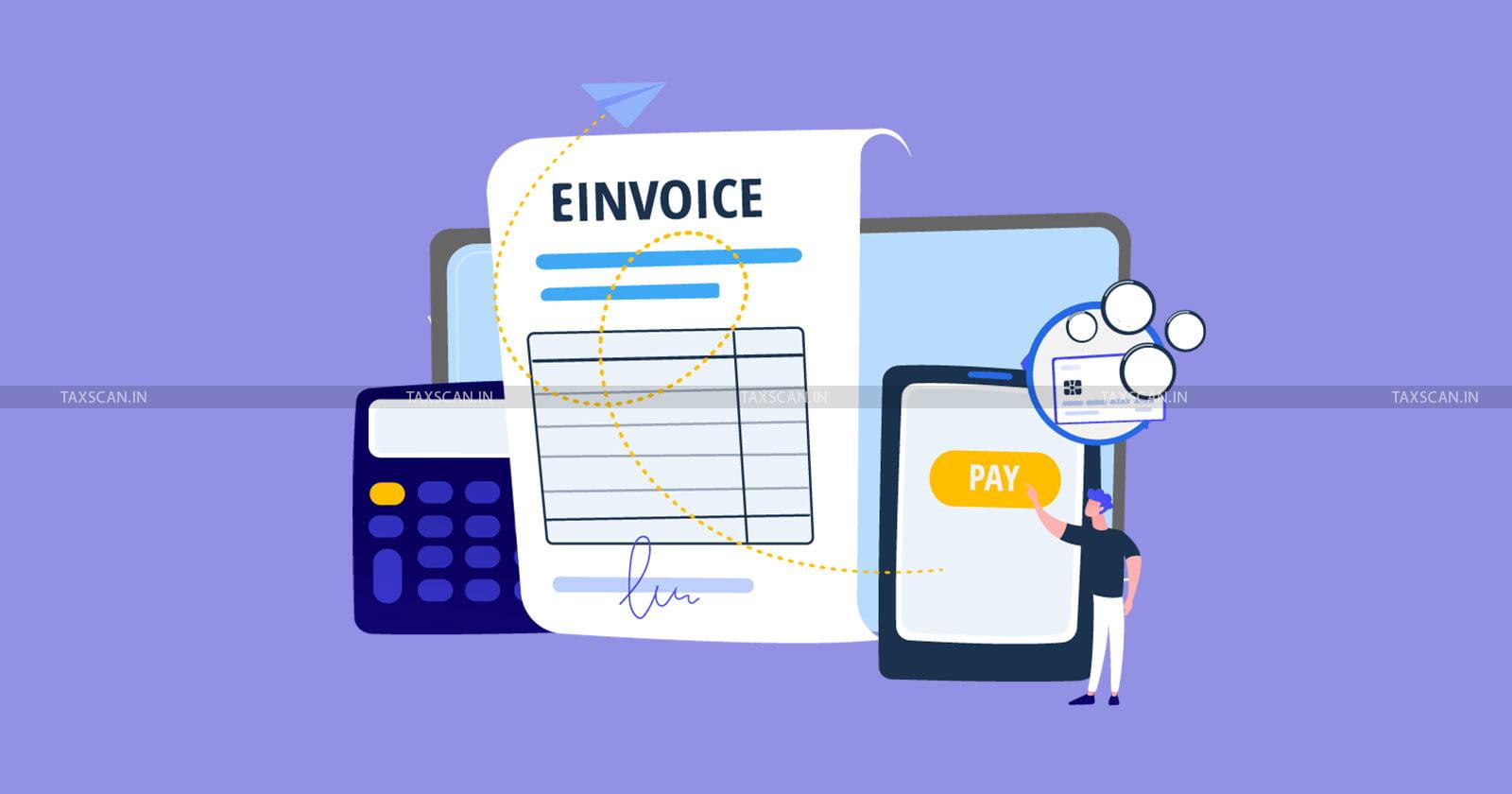
For many businesses, paper invoices are still part of the daily billing process. While traditional invoices may work for a small volume of transactions, managing printed documents can become time-consuming as a business grows. Finding old invoices, correcting billing details, sharing documents with customers, and maintaining physical records can create unnecessary administrative work.
Moving from paper invoices to digital invoicing can make the billing process faster, more organized, and easier to manage. With the right electronic invoicing software, businesses can create, store, share, and track invoices digitally while reducing dependence on manual paperwork.
Understand the Existing Invoicing Process
Before moving to digital invoicing, a business should first review how invoices are currently created and managed. This includes understanding how sales details are recorded, how invoices are prepared, how copies are shared with customers, and where physical records are stored.
Identifying these steps helps businesses determine which parts of the existing process can be automated. It also makes the transition easier because employees can understand how the new digital workflow will replace their current tasks.
Choose the Right Digital Invoicing Solution
Selecting suitable software is an important part of the transition. Businesses should consider their transaction volume, industry requirements, taxation needs, inventory processes, and accounting workflow.
An electronic invoicing software solution can help businesses create invoices digitally and maintain billing information in a centralized system. Solutions such as Busy can also support businesses that want to connect billing activities with broader accounting and business management processes.
The software should be easy for employees to use and flexible enough to support the company's future growth.
Organize Customer and Product Information
Paper-based invoicing often requires employees to repeatedly enter customer and product details. Digital systems can reduce this repetitive work by allowing businesses to maintain customer, product, pricing, and tax information within the system.
Once the required information is properly configured, employees can generate invoices more efficiently while reducing the possibility of common data-entry mistakes.
Configure Tax and Invoice Settings
Businesses should configure applicable tax rates, invoice numbering, business details, payment terms, and other required information before fully switching to digital invoicing.
For businesses operating under GST, accurate tax configuration is particularly important. Digital invoicing can simplify calculations and record keeping, but businesses still need to ensure that the information entered into the software is correct and aligned with applicable requirements.
Test the New Invoicing Workflow
Instead of immediately abandoning paper invoices, businesses can test the digital process with selected transactions. This gives employees an opportunity to understand invoice creation, verification, sharing, corrections, and record management.
Testing can also reveal problems with customer information, product databases, tax settings, invoice formats, or accounting integration before the system becomes part of the regular workflow.
Train Employees Before the Full Transition
Employees who regularly create invoices should understand how the new system works. Training does not have to be complicated. Staff should know how to create an invoice, check calculations, make permitted corrections, share invoices with customers, and retrieve previous records.
Proper training can make employees more comfortable with digital billing and reduce resistance to changing from familiar paper-based processes.
Store and Manage Digital Records
One of the major advantages of digital invoicing is easier record management. Instead of maintaining folders filled with printed invoices, businesses can store billing records electronically and retrieve them when required.
Digital records can make it easier to search for previous transactions, review customer billing history, and provide information to accounting teams. Businesses should also follow appropriate backup, access-control, and record-retention practices.
Connect Invoicing With Accounting
Digital invoicing becomes even more useful when billing and accounting processes work together. When sales information can flow into accounting records, employees may spend less time entering the same information in multiple places.
This can improve consistency between invoices and financial records while making it easier to review sales, receivables, taxes, and other business information.
Monitor the Transition After Implementation
The transition does not end when the software is installed. Businesses should regularly review whether invoices are being generated correctly, whether employees are following the new process, and whether customers are receiving digital invoices without issues.
Feedback from employees and customers can help identify areas where the workflow can be improved.
Conclusion
Moving from paper invoices to digital invoicing can help businesses reduce paperwork, improve billing efficiency, organize records, and simplify day-to-day financial administration. The transition is most effective when businesses plan the process carefully, select suitable software, organize their data, train employees, and test the workflow before full implementation.
With reliable electronic invoicing software, businesses can move toward a more efficient and organized invoicing process while creating a stronger foundation for digital accounting and business management.

 English
 Arabic
 French
 Spanish
 Portuguese
 Turkish
 Dutch
Dutch
 Italiano
 Russian
 Romaian
 Portuguese (Brazil)
 Greek
Greek